
| Category | Specifications |
|---|---|
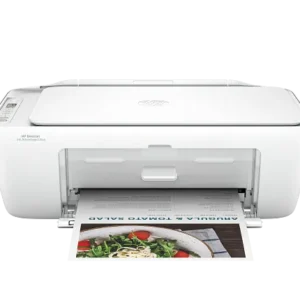
| Product | DeskJet 2923 All-in-One Printer |
| Functions | Print, Copy, Scan |
| Instant Ink | Instant Ink Eligible |
| Print Speed – Black (ISO) | Up to 7.5 ppm |
| Print Speed – Black (Draft, Letter) | Up to 20 ppm |
| Print Speed – Black (Draft, A4) | Up to 20 ppm |
| Print Speed – Black (ISO, Letter) | Up to 7.5 ppm |
| Print Speed – Black (ISO, A4) | Up to 7.5 ppm |
| Print Speed – Color (ISO) | Up to 5.5 ppm |
| Print Speed – Color (Draft, Letter) | Up to 16 ppm |
| Print Speed – Color (Draft, A4) | Up to 16 ppm |
| Print Speed – Color (ISO) | Up to 5.5 ppm |
| Print Speed Color (ISO) | Up to 5.5 ppm |
| First Page Out – Black (Letter, Ready) | As Fast as 16 sec |
| First Page Out – Black (A4, Ready) | As Fast as 16 sec |
| First Page Out – Color (Letter, Ready) | As Fast as 20 sec |
| First Page Out – Color (A4, Ready) | As Fast as 20 sec |
| Duplex Printing | Manual (Driver Support Provided) |
| Duty Cycle (Monthly, Letter) | Up to 1,000 Pages
Duty cycle is the maximum number of pages that can be printed in a month, but this page volume is not recommended on an ongoing basis. |
| Duty Cycle (Monthly, A4) | Up to 1,000 Pages
Duty cycle is the maximum number of pages that can be printed in a month, but this page volume is not recommended on an ongoing basis. |
| Recommended Monthly Page Volume | 50 to 100
The number of pages printed should not exceed the recommended monthly page volume for optimum device performance. |
| Print Quality – Black (Best) | Up to 1200 × 1200 Rendered dpi |
| Print Quality – Color (Best) | Up to 4800 × 1200 Optimized dpi Color (When Printing from a Computer on Selected Photo Papers and 1200 Input dpi) |
| Print Languages | PCL 3 GUI PCLm (Apps/UPD) URF (AirPrint) |
| Print Technology | Thermal Inkjet |
| Connectivity – Standard | 1 Hi-Speed USB 2.0 (Device) Dual Band Wi-Fi |
| Mobile Printing Capability | App Apple AirPrint Mopria Print Service Print Service Plugin (Android Printing) |
| Network Capabilities | Wi-Fi 802.11a/b/g/n, 2.4 GHz and 5 GHz Dual Band |
| Wireless Capability | Yes, Built-in Wi-Fi 802.11a/b/g/n, 2.4 GHz and 5 GHz Dual Band |
| Wireless Technologies | Built-in Wi-Fi 802.11a/b/g/n, 2.4 GHz and 5 GHz Dual Band |
| Minimum System Requirements for Macintosh | Apple® macOS 13 Ventura macOS 14 Sonoma macOS 15 Sequoia 2 GB HD Internet Required |
| Minimum System Requirements | Microsoft® Windows® 11, 10 1 GHz Processor 2 GB Available Hard Disk Space Internet Connection |
| Digital Sending Standard Features | No |
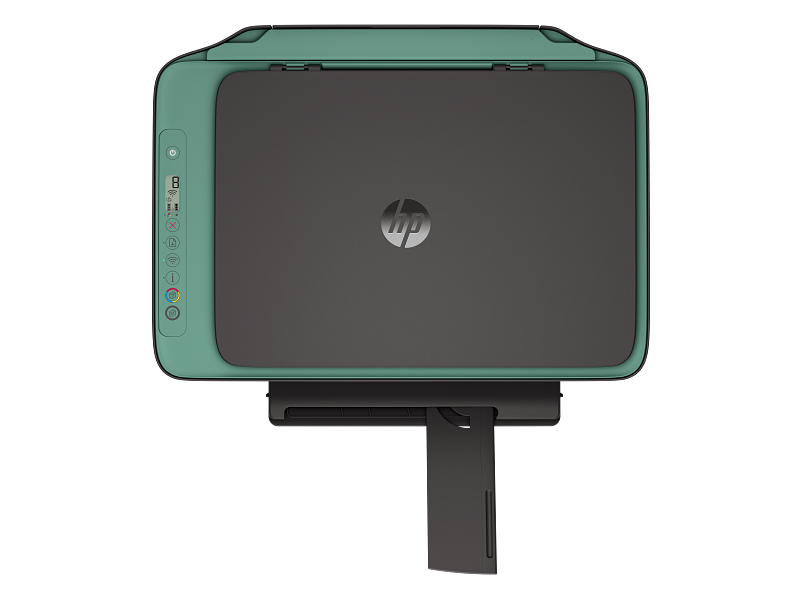
| Display | Icon LCD Display |
| Processor Speed | 1.0 GHz |
| Maximum Memory | 64 MB DDR1 24 MB Flash |
| Memory | 64 MB DDR1 |
| Internal Storage | No |
| Compatible Operating Systems | Windows 11 Windows 10 macOS 13 Ventura macOS 14 Sonoma macOS 15 Sequoia |
| Paper Handling Input – Standard | 60-Sheet Input Tray |
| Paper Handling Output – Standard | 25-Sheet Output Tray |
| Finished Output Handling | Sheetfed |
| Media Types | Plain Paper, Photo Paper, Brochure Paper, Envelopes and Other Specialty Inkjet Papers |
| Media Sizes Supported | A4 B5 A6 DL Envelope |
| Media Sizes – Custom | 76 × 127 to 215 × 355 mm |
| Borderless Printing | No |
| Media Weight – Recommended | 75 g/m² |
| Scanner Type | Flatbed |
| Scan File Format | JPEG TIFF PNG |
| Scan Resolution – Optical | Up to 1200 dpi |
| Scan Resolution – Hardware | Up to 1200 × 1200 dpi |
| Scan Size – Maximum | 216 × 297 mm |
| Scan Technology | Contact Image Sensor (CIS) |
| Copy Speed – Black (ISO) | Up to 6 cpm |
| Copy Speed – Color (ISO) | Up to 3 cpm |
| Copy Resolution – Black Text | Up to 300 × 300 dpi |
| Copy Resolution – Color Text and Graphics | Up to 300 × 300 dpi |
| Copy Resolution – Black Graphics | Up to 300 × 300 dpi |
| Copies – Maximum | Up to 9 Copies |
| Faxing | No |
| Power Consumption | 2.55 W (Ready) 1.31 W (Sleep) 0.10 W (Off) Power requirements and consumption are based on the country/region where the printer is sold. Do not convert operating voltages. This will damage the printer and void the product warranty. |
| Power | Input Voltage: 100 to 240 VAC (+/- 10%), 50/60 Hz (+/- 3 Hz), 600 mA
India Input Voltage: 200 to 240 VAC (+/- 10%), 50/60 Hz (+/- 3 Hz), 400 mA |
| Operating Humidity Range | 15 to 80% RH (Non-Condensing) |
| Recommended Operating Humidity Range | 20 to 80% RH |
| Non-Operating Humidity Range | 5 to 90% RH (Non-Condensing) |
| Operating Temperature Range | 5 to 40°C |
| Operating Temperature Range | 41 to 104°F |
| Blue Angel Compliant | No; Please Refer to the ECI Document |
| Ecolabels | EPEAT® Registered |
| Energy Star Certified | No |
| Safety | IEC 60950-1:2005 +A1:2009 +A2:2013; IEC 62368-1:2014; EN 62368-1:2014 +A11:2017; IEC 62368-1:2018; EN IEC 62368-1:2020+A11:2020; EN 62311:2008; EN 62479:2010; UL 62368-1 & CAN/CSA C22.2 No. 62368-1-14 |
| Dimensions (W × D × H) | 425 × 304 × 154 mm
Dimensions Vary as per Configuration |
| Maximum Dimensions (W × D × H) | 425 × 546.6 × 250 mm (Output Extension Fully Out)
Dimensions Vary as per Configuration |
| Weight | ~3.42 kg
Weight Varies as per Configuration |
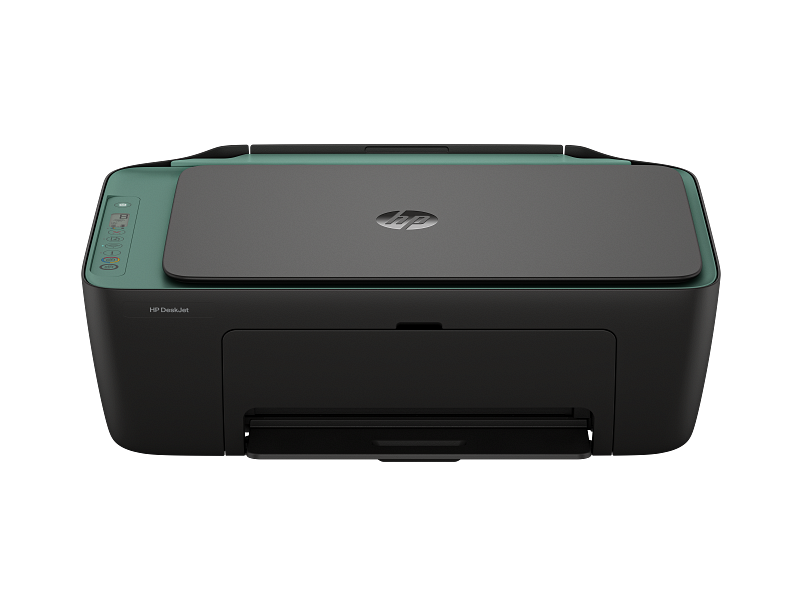
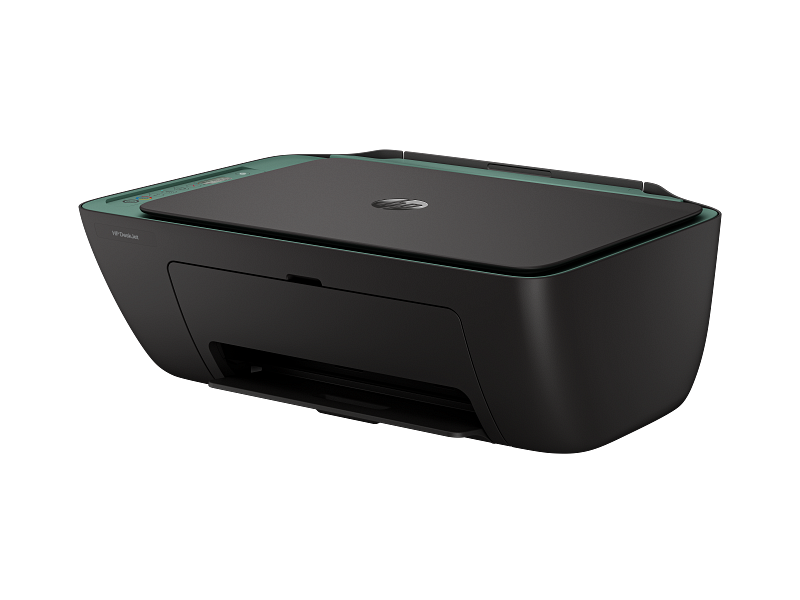
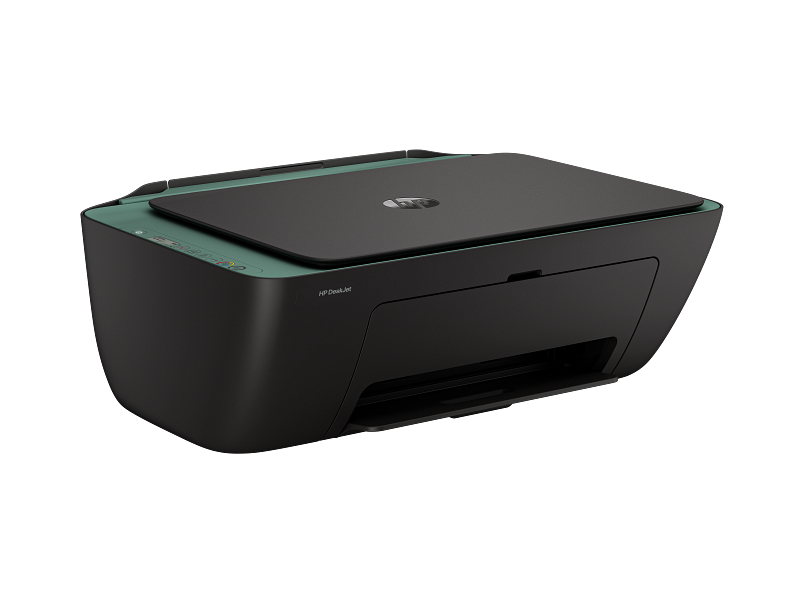
| Product Color | Cement Noir with Machu Picchu Accents |
| What’s in the Box | DeskJet 2923 All-in-One 68 Setup Black Cartridge 68 Setup Tri-Color Cartridge Regulatory Flyer Setup Guide Reference Guide Power Cord |
| Print Cartridges/Bottle – Number | 2 (1 Each Black, Tri-Color) |
| Replacement Cartridges | 68 Black Original Ink Cartridge (~160 Pages Yield) 7FP21TA 68 Tri-Color Original Ink Cartridge (~120 Pages Yield) 7FP20TA 68e EvoMore Black Original Ink Cartridge (~320 Pages Yield) 7FP22TA Actual yield varies considerably based on content of printed pages and other factors. |
| Manufacturer Warranty | One-Year Limited Warranty. Warranty and support options vary by product, country, and local legal requirements. |
Small and Medium Office
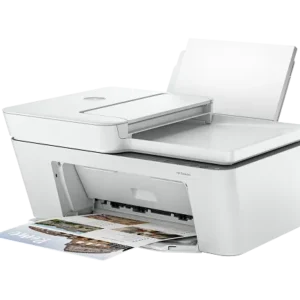
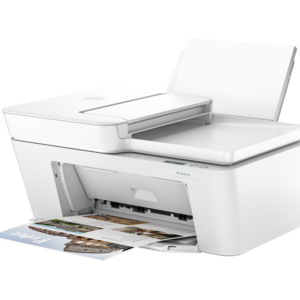
HP DeskJet 2923 All-in-One Printer
$89.99
+ Free ShippingEasy setup, worry-free connection.
Print, scan, copy from anywhere in your home with HP’s app and dual-band Wi-Fi® that automatically reconnects.
Learn, create, and stay organized.
Enjoy fun, learning worksheets on the HP Printables site or HP app.
Made with at least 70% recycled plastic content
Return used cartridges for free via the HP Planet Partners Program. Contains at least 70% recycled plastic content.
Reviews
There are no reviews yet.